Watch: Initial inputs to a complete 3-month schedule, in under 3 minutes.
Product workflow
One workflow from rules to final schedule
Orchestrate Health brings physicians, roles, PTO, scheduling rules, fairness counts, manual edits, and calendar sharing into one structured workflow.
Fairness tracking
Fairness counts you can actually explain
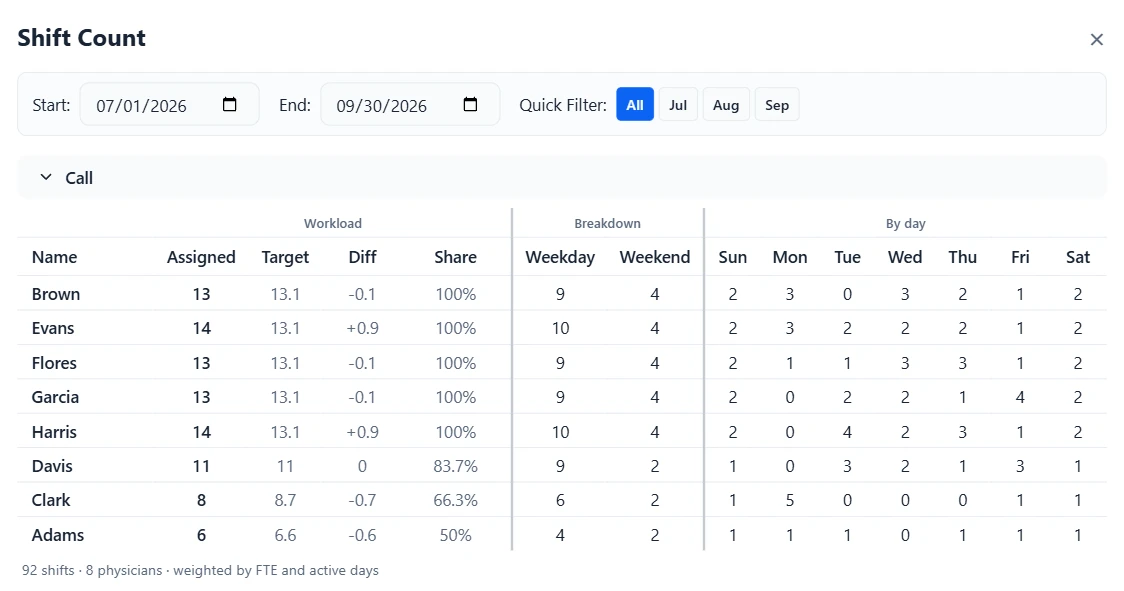
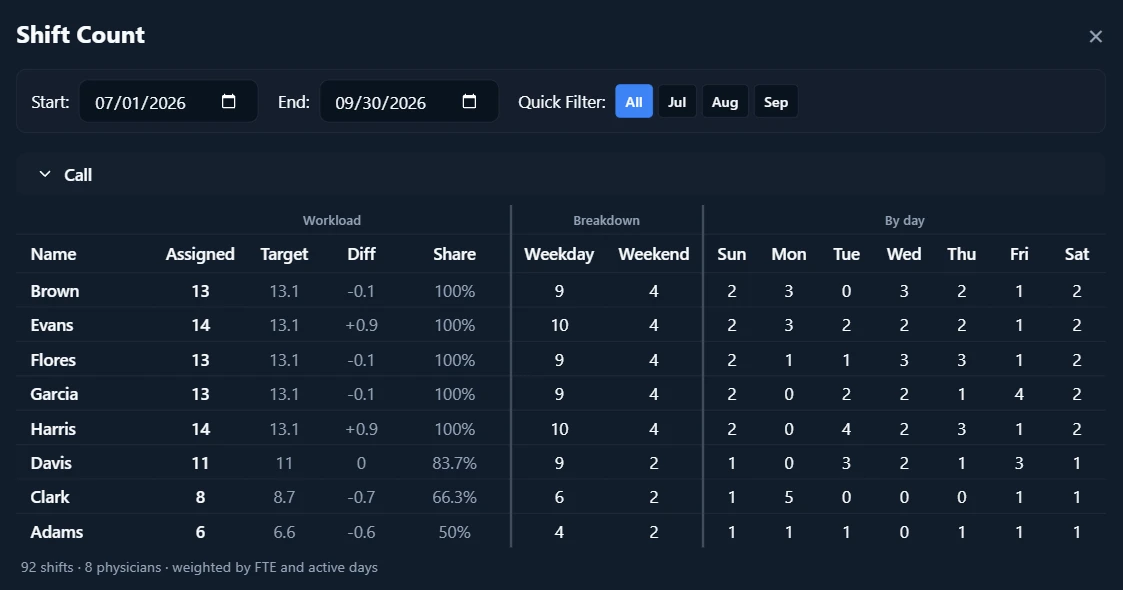
See how assignments compare with workload targets and are distributed across physicians, roles, weekends, holidays, and other scheduling categories before the schedule is shared.
- Assigned, Target, and Diff side by side for each physician, so anyone over or under their share stands out.
- Targets are weighted by FTE and days employed, so part-time physicians, new hires, and physicians on leave carry a smaller share. PTO does not lower it.
- Totals by day of week, for the whole schedule or a single month.
Patterns and preferences
Built for the exceptions every group has
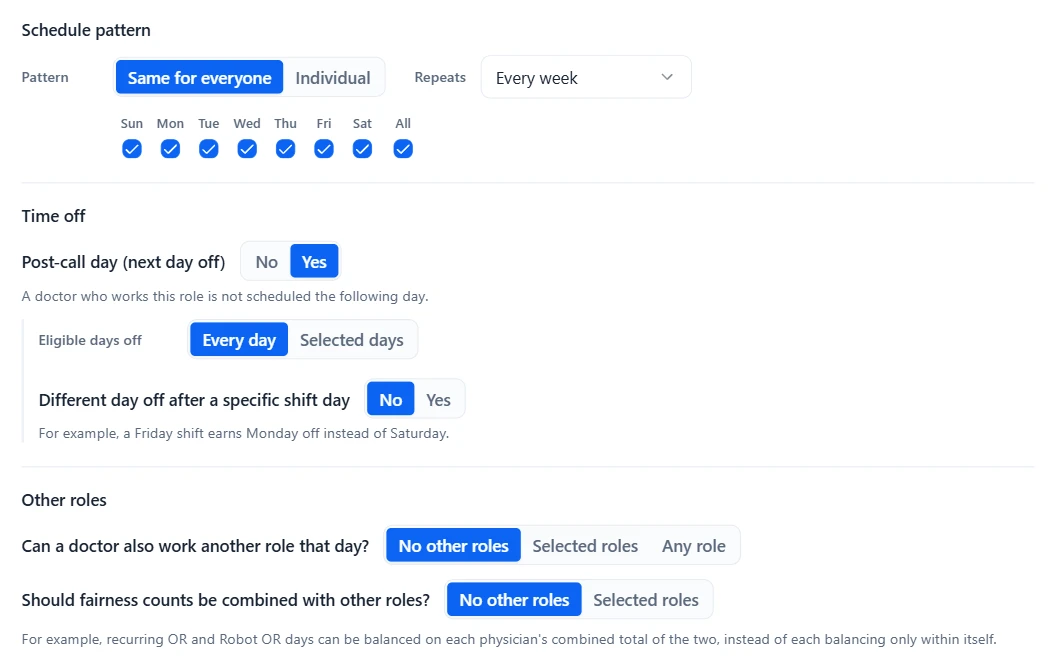
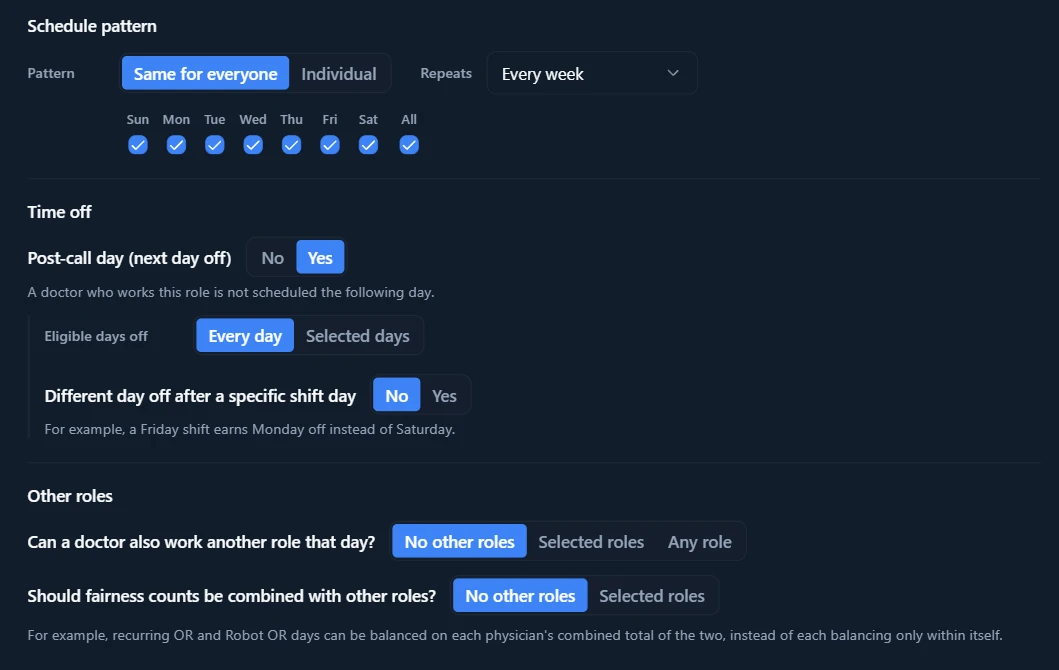
Every physician group has its own rules, preferences, coverage patterns, and exceptions. These patterns are just a sample: customize coverage, physician availability, workload, and more to fit your group.
- A post-call day off after a shift, or a different recovery day after a specific shift, such as Monday off after Friday call.
- Choose which roles one physician can cover on the same day.
- Combine fairness counts across related roles, such as OR and Robot OR, so they balance as one total.
Sharing and coordination
Keep your group on the same page
Share the schedule, let physicians submit PTO requests, and sync assignments to personal calendars. Browse a few of the tools that keep your group coordinated.
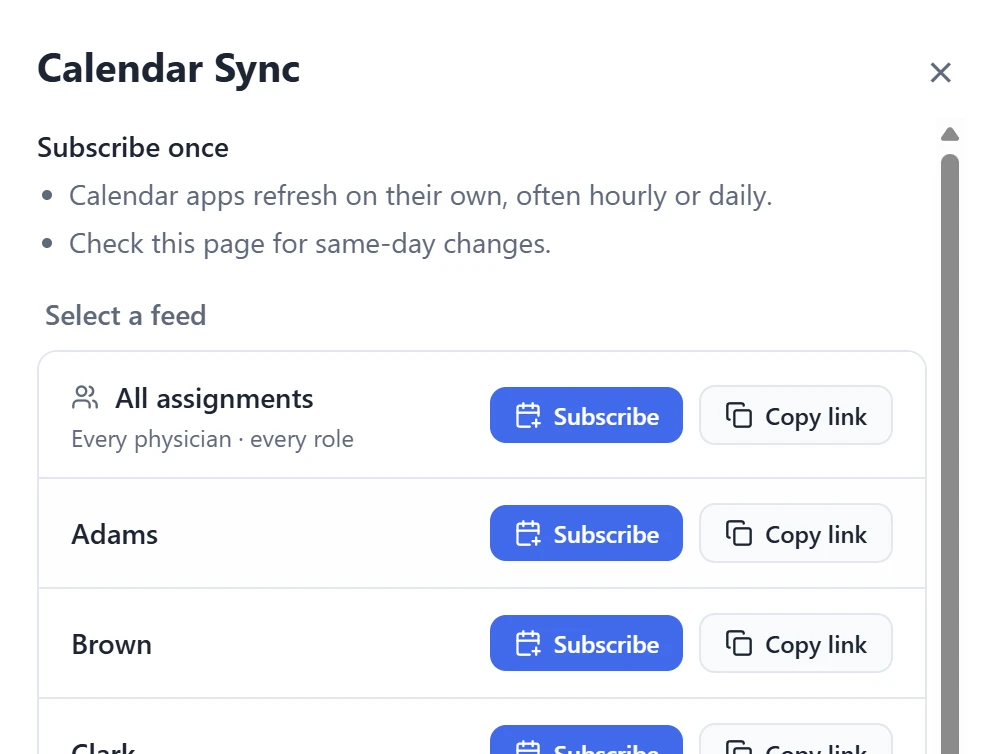
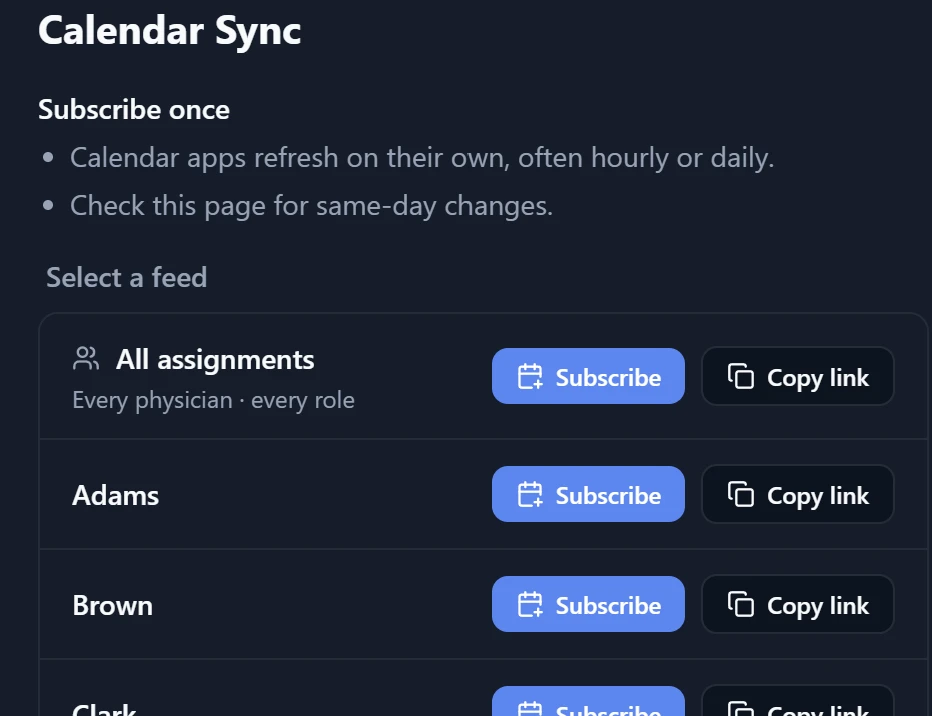
Physicians subscribe once, to their own shifts or the whole schedule, in their calendar app.
And the details that make it fit how your group actually works